
Documents
The Easiest Way to Summarize a PDF on Your iPhone
The fastest way to summarize a PDF on iPhone: share it to an app that reads it for you. Save any PDF to Siftlee and you get a plain-English summary and highlight bullets automatically, with the original document kept right underneath. No copy-pasting into a chatbot, no losing the file afterwards.
The usual ways, and why they're clumsy
- Paste into a chatbot: upload the PDF to an AI assistant, ask for a summary, read it, close the chat. Works once — but the summary and the document part ways immediately, and next month you'll have neither.
- Read it in Files: the honest default. The PDF sits in a folder, unread, forever.
The real problem isn't getting a summary — it's that PDFs you save never rejoin the rest of what you know.
Summarize by saving: the Siftlee flow
- Share any PDF to Siftlee — from Files, Safari, Mail, or any app with a share button. Word documents and text files work the same way.
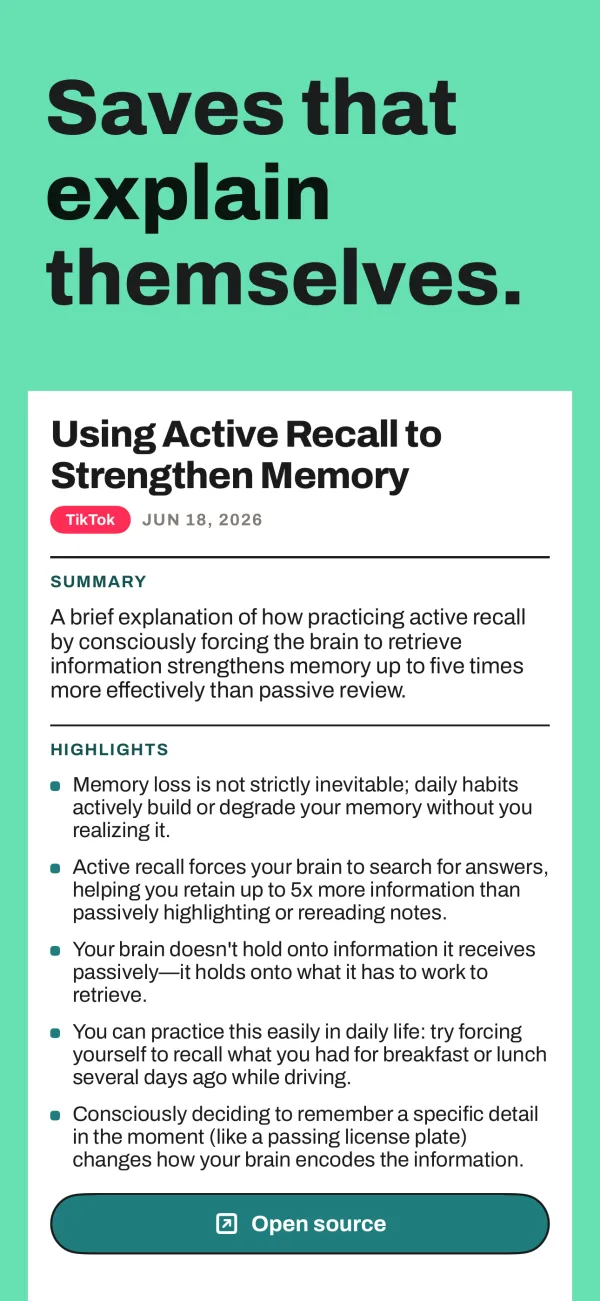
- Siftlee reads the whole document and generates a summary plus highlight bullets — the paper's key claims, the report's main numbers, the guide's core steps.
- The original stays attached. The summary sits on top; the full document is right there when you need the details.
- It joins your library. The PDF is filed automatically into the right Space and Thread, next to related articles and screenshots.
Then ask questions — across every PDF you've saved
Because Siftlee understands the documents you save, you can ask things like “what did that clinical guide say about dosage?” or “which paper covered the telescope's launch?” and get a direct answer citing the document. One question can draw on every PDF, article, and screenshot in your library at once — which beats remembering which folder you dropped a file into.

Get Siftlee
Toss it in, it comes back better. Your AI second brain for iPhone — and your month, back as a magazine.