Save in a few taps
TikToks, Reels, YouTube videos, X posts, Reddit threads, screenshots, PDFs, and voice memos — from any app via the iOS share sheet.
 Siftlee
Save TikToks, Reels, YouTube videos, X posts, screenshots, PDFs, and voice memos in one place. Siftlee organizes everything automatically, answers your questions with sources — and once a month, writes you a magazine from what you saved.

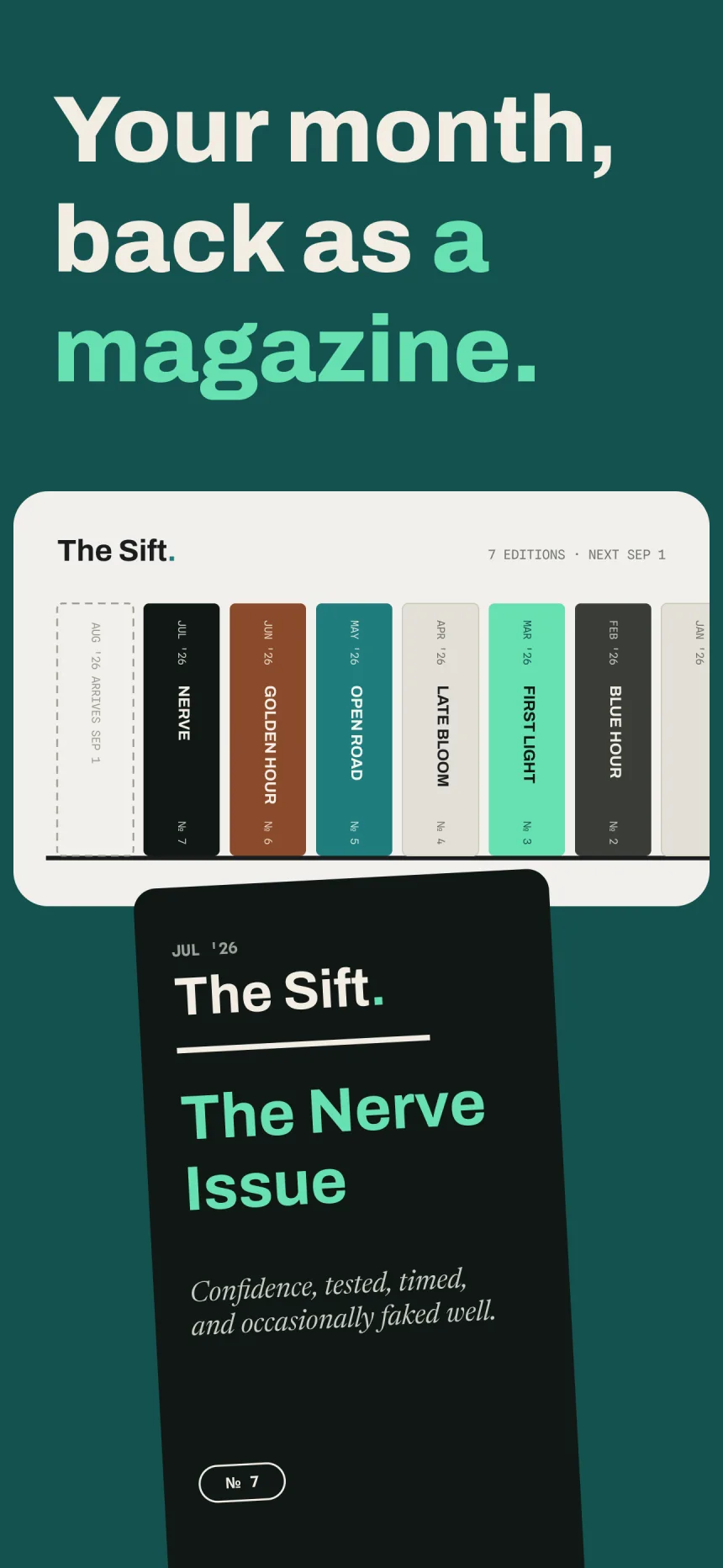
New: The Sift — your month, back as a magazine.
TikToks, Reels, YouTube videos, X posts, Reddit threads, screenshots, PDFs, and voice memos — from any app via the iOS share sheet.
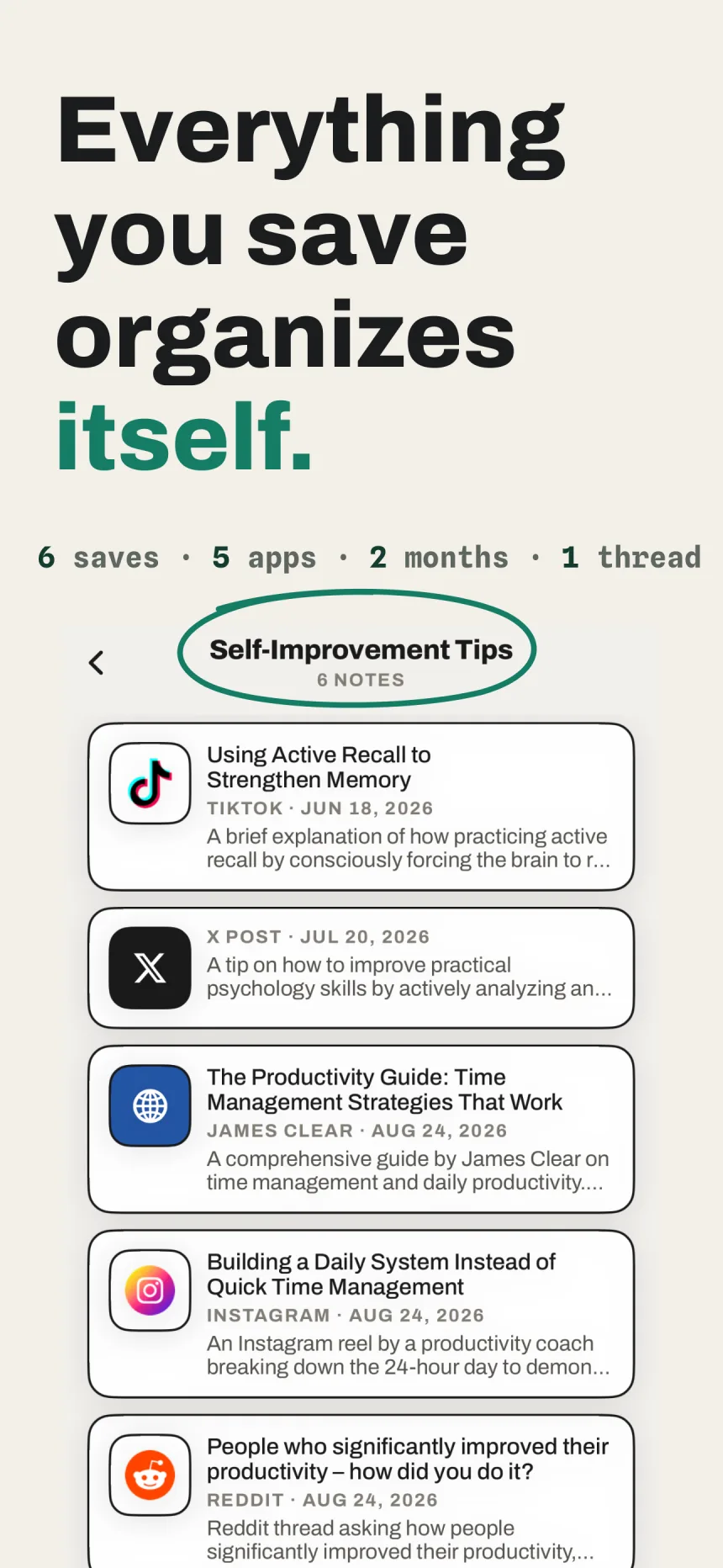
Siftlee reads what you save and organizes it into Spaces and Threads automatically.
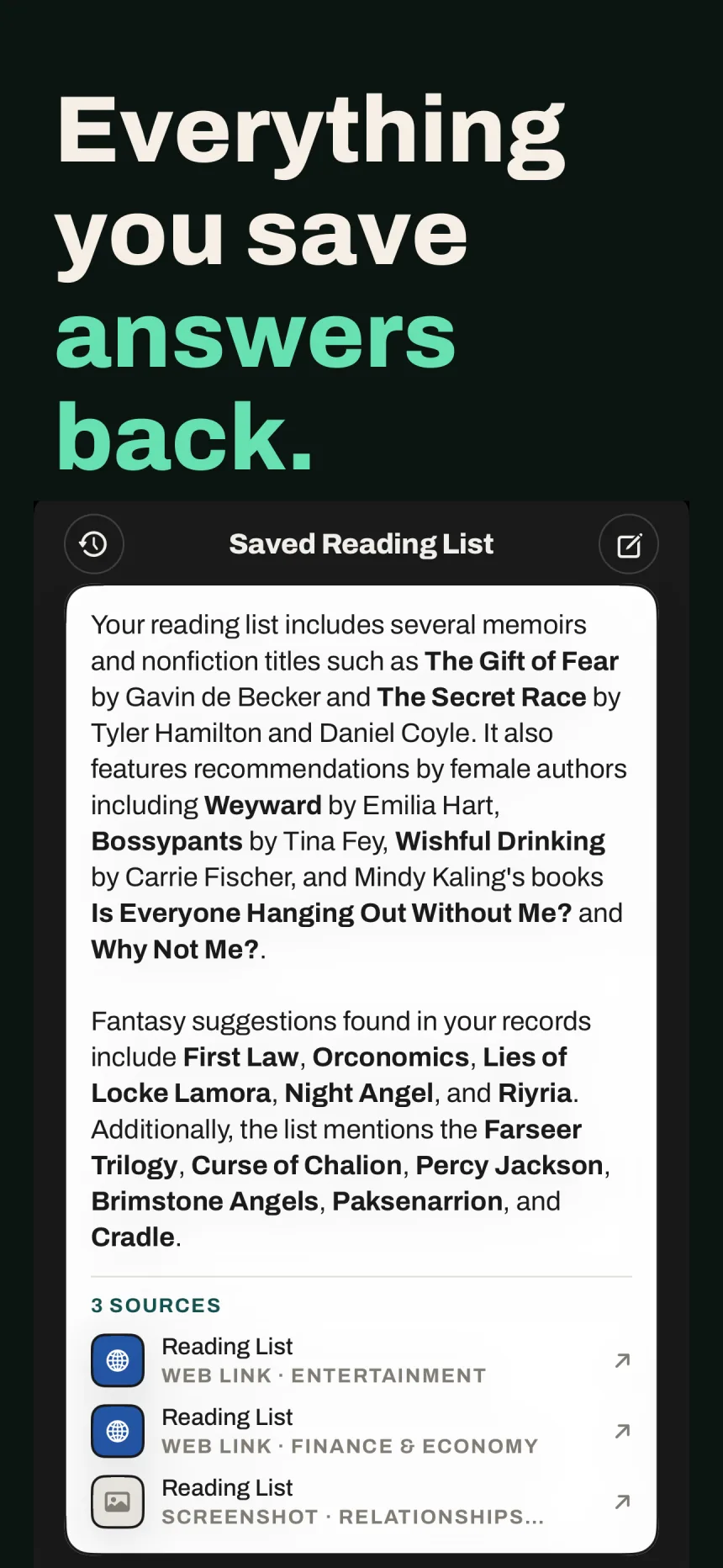
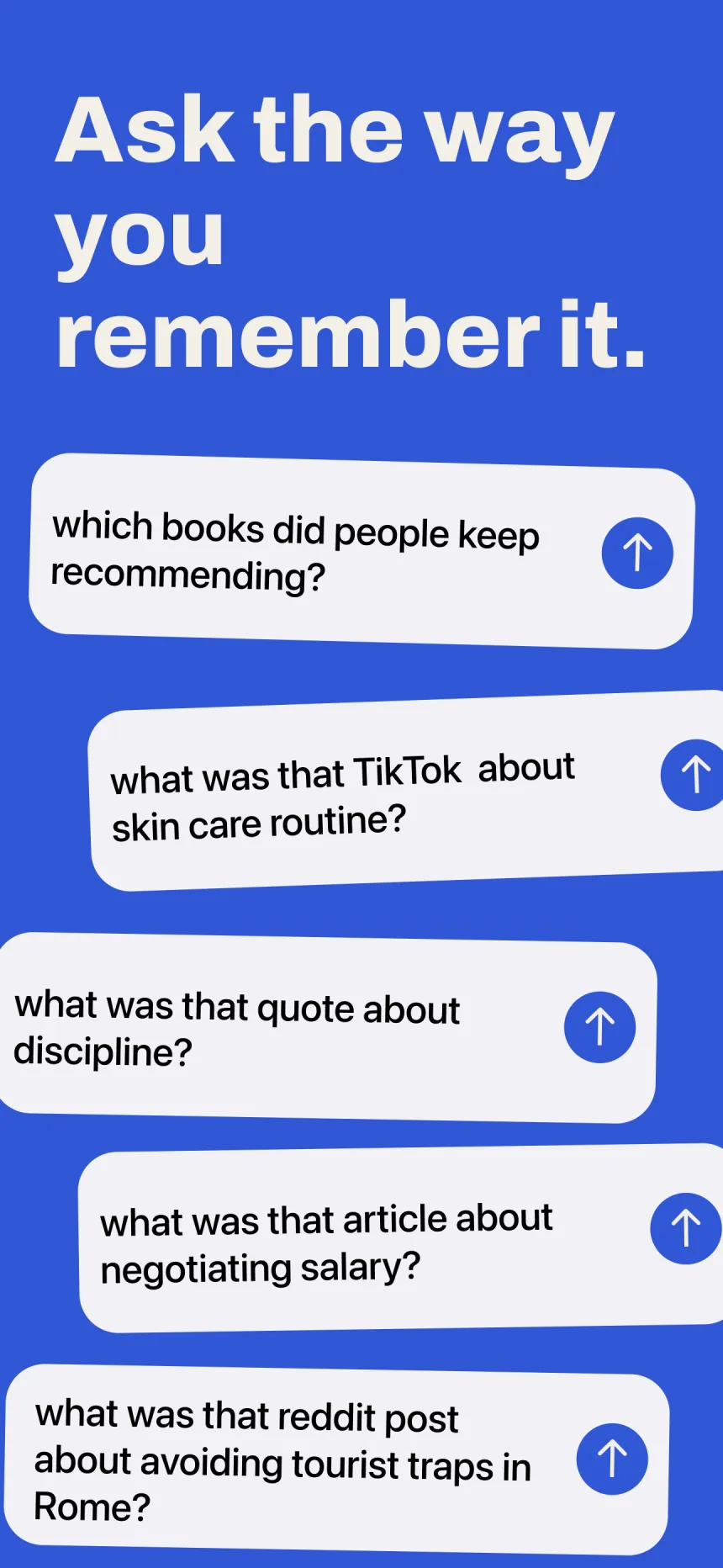
Ask in plain English and get answers with sources from your own library.
The Sift
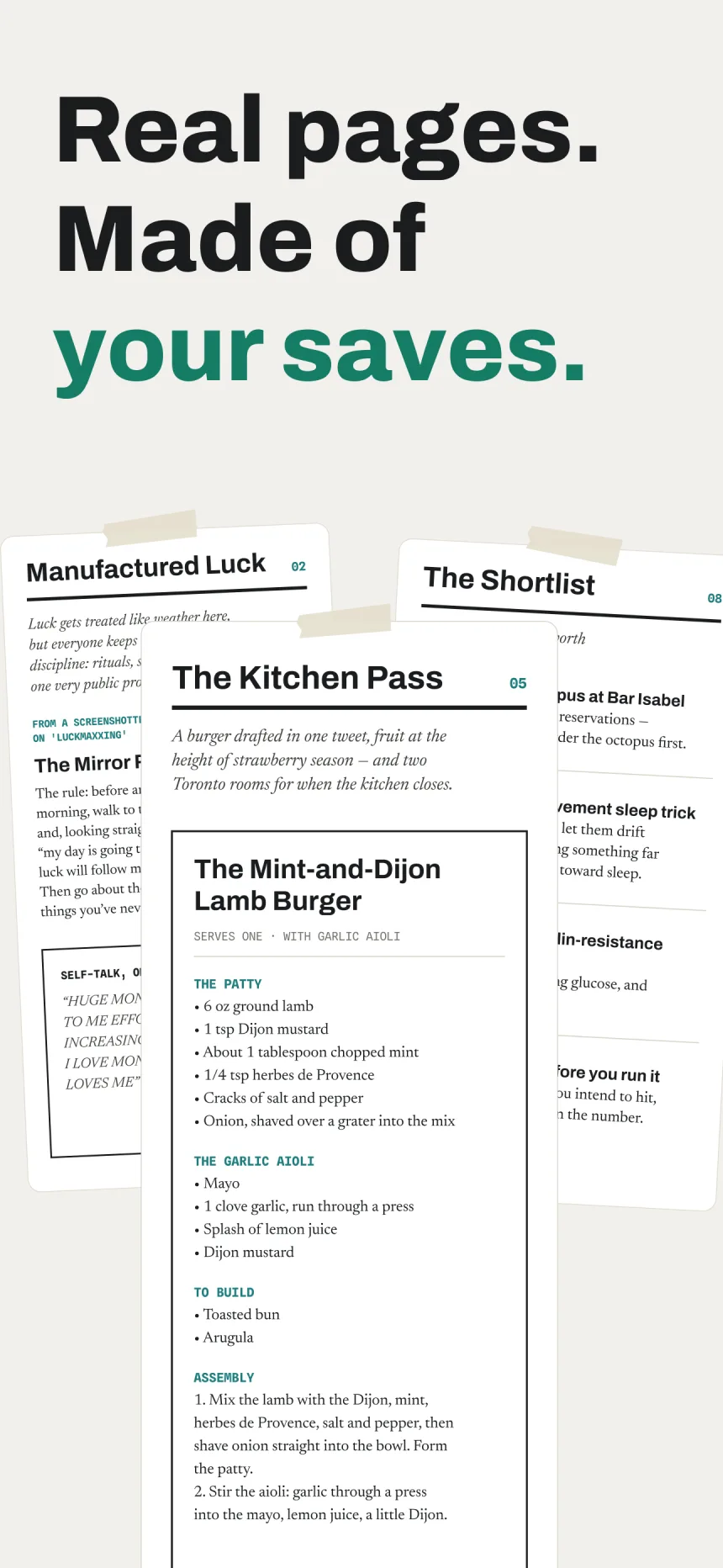
On the 1st of each month, Siftlee writes you a magazine about the month you just lived — made only from what you saved. Saving is the only work you do; the magazine is what you get back.
Your issues live on a bookshelf at the top of Spaces. Pull a spine down and read your own month back — and share any page as an image.
How It Works
Share TikToks, Reels, YouTube videos, X posts, Reddit threads, screenshots, PDFs, and voice memos to Siftlee from any app with the iOS share sheet — TikTok, Instagram, Safari, Photos, Voice Memos, Files, anywhere.
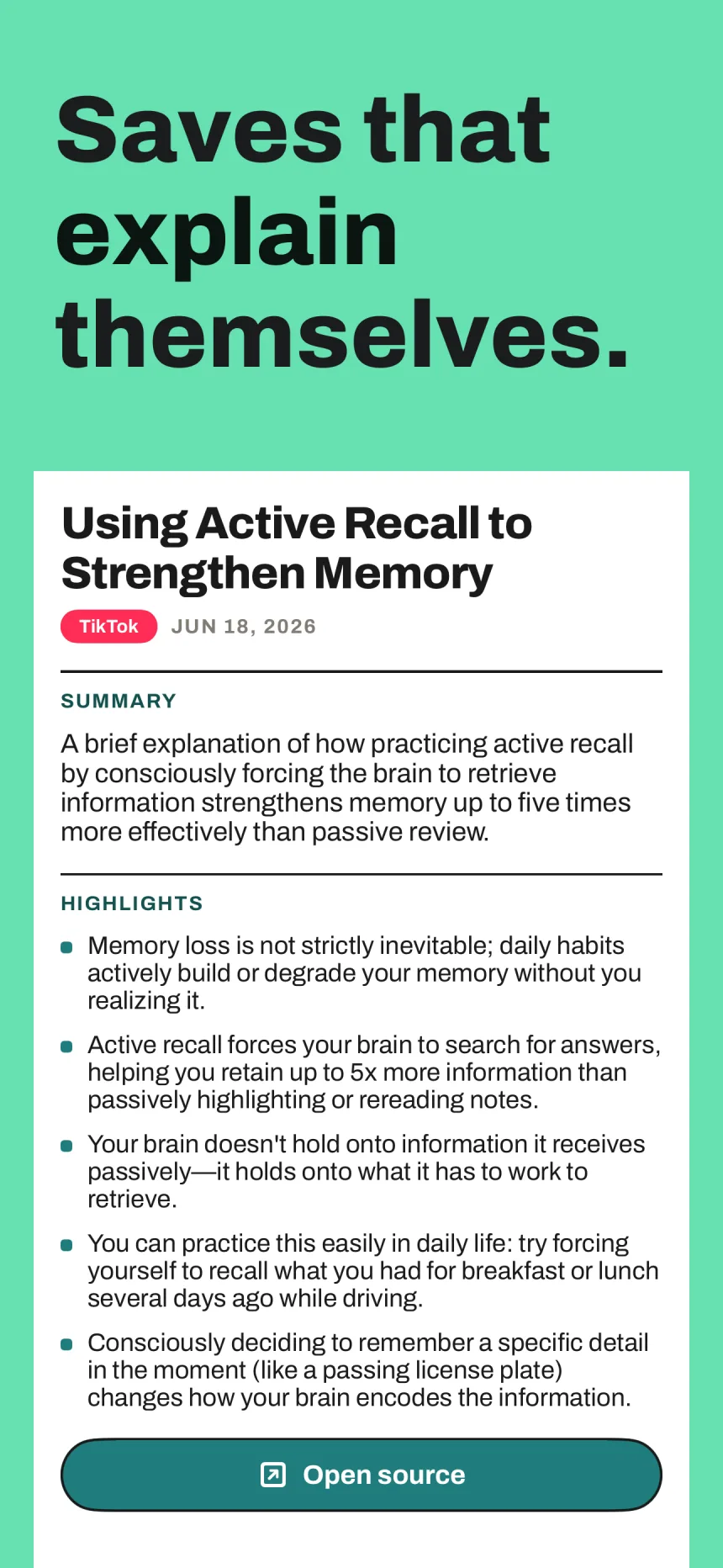
It reads the text in your screenshots, transcribes what’s said in your videos and voice memos, summarizes your documents, and captures what each save actually means — with a link back to the source.
Related saves are grouped into Spaces (like Food or Health) and Threads (like “Sleep plan ideas”). No folders, no tags, no manual filing — ever.
Ask in plain English — “what was the sleep protocol I saved?” — and get a direct answer with cited sources from your own library, not a pile of links to dig through.
Guides
Stop scrolling a camera roll with 2,000 screenshots. Let AI file every screenshot for you.
Read the guide → ScreenshotsFind any screenshot from what you remember about it — a phrase, a topic, a detail.
Read the guide → Read It LaterPocket is gone. Here's how to save articles — plus everything else — in one place.
Read the guide → X / TwitterKeep a permanent, readable copy of X posts — even after the original disappears.
Read the guide → X / TwitterTurn an endless, unsearchable bookmark list into an organized, askable library.
Read the guide → RedditReddit's saved list is a black hole. Here's how to actually get posts back.
Read the guide → DocumentsGet a summary and highlights for any PDF the moment you save it.
Read the guide → AudioTranscribe voice memos automatically and find them by their content.
Read the guide → Second BrainThe second brain method, explained — and why you no longer have to do the filing.
Read the guide → RecipesRecipes from Instagram, TikTok, blogs, and screenshots — findable when it's time to cook.
Read the guide →FAQ
An AI second brain app is one place to keep everything you find — screenshots, links, articles, PDFs, voice memos — where AI organizes it for you and brings it back when you ask in plain English. Siftlee saves both the content and its meaning, so you can ask “what did I save about Sicily?” and get an answer with sources. Learn more
The Sift is a monthly magazine Siftlee writes from what you saved. On the 1st of each month you get a new issue about the month you just lived — an editor’s letter, departments for the subjects you kept coming back to, recipes as real recipe cards, the things you almost bought, and a Shortlist of ideas worth acting on. Your issues live on a bookshelf at the top of Spaces; pull a spine down to read. See The Sift
Yes. Share a TikTok, Instagram Reel, or YouTube video to Siftlee and it captures what’s said in the video along with the caption, files it into the right Space and Thread, and makes it searchable — so “that TikTok about skin care” actually comes back. If the video is later taken down, what Siftlee captured stays in your library. See how it works
Siftlee reads every screenshot you save — the text, the subject, the source — and automatically groups related items into Spaces (broad categories like Food or Travel) and Threads (specific topics inside each Space). You never create a folder, add a tag, or file anything manually. Learn more
Yes. Search in plain English — “the recipe with miso” or “that chart about sleep” — and Siftlee finds the screenshot by meaning, not by filename, date, or album. It works even months later, when you only remember a detail. Learn more
Yes. Like Pocket, you save articles and links in one tap from the iOS share sheet. Unlike Pocket, Siftlee also keeps screenshots, PDFs, and voice memos, summarizes what you save, and answers questions about your whole library with cited sources. Learn more
Your copy stays. Siftlee saves X posts through the official X API, so if the post is deleted, the account goes private, or the thread disappears, your saved copy and the meaning Siftlee extracted from it remain in your library. Learn more
Yes. Share any X post to Siftlee and it is filed automatically into the right Space and Thread, becomes searchable in plain English, and survives deletion — no bookmark folders or Premium subscription on X required. Learn more
Save Reddit threads to Siftlee with the share sheet as you browse. Later, ask in plain English — “that Reddit thread about sleep supplements” — and Siftlee returns the answer with the saved thread as the source, instead of you scrolling an unsearchable saved list. Learn more
Yes. Save any PDF, Word file, or text file and Siftlee generates a plain-English summary with highlight bullets, keeps the original document attached, and makes the whole thing searchable and askable. Learn more
Yes. Audio you save — voice memos, podcast clips, recordings — is transcribed and understood, so you can search for what was said and ask questions about it later. Learn more
Save them all to Siftlee — recipe screenshots, TikToks, Reels, blog links. They are grouped automatically into your Food Space and related Threads, and you can ask “the pasta recipe with miso” to get it back instantly. At the end of the month, the recipes you saved come back as real recipe cards in The Sift. Learn more
Videos and posts (TikToks, Instagram Reels and posts, YouTube videos, X posts, Reddit threads, articles — anything with a URL), images (screenshots, photos, anything from your camera roll), documents (PDFs, Word files, text files), and audio (voice memos, podcast clips, recordings) — all from any app via the iOS share sheet. See how it works
Save it once. Siftlee remembers what it means and where it came from, hands it back the moment you ask — and once a month, writes it up as a magazine.