
SAVE IN A FEW TAPS
See it. Save it. Done. Find it anytime in seconds.
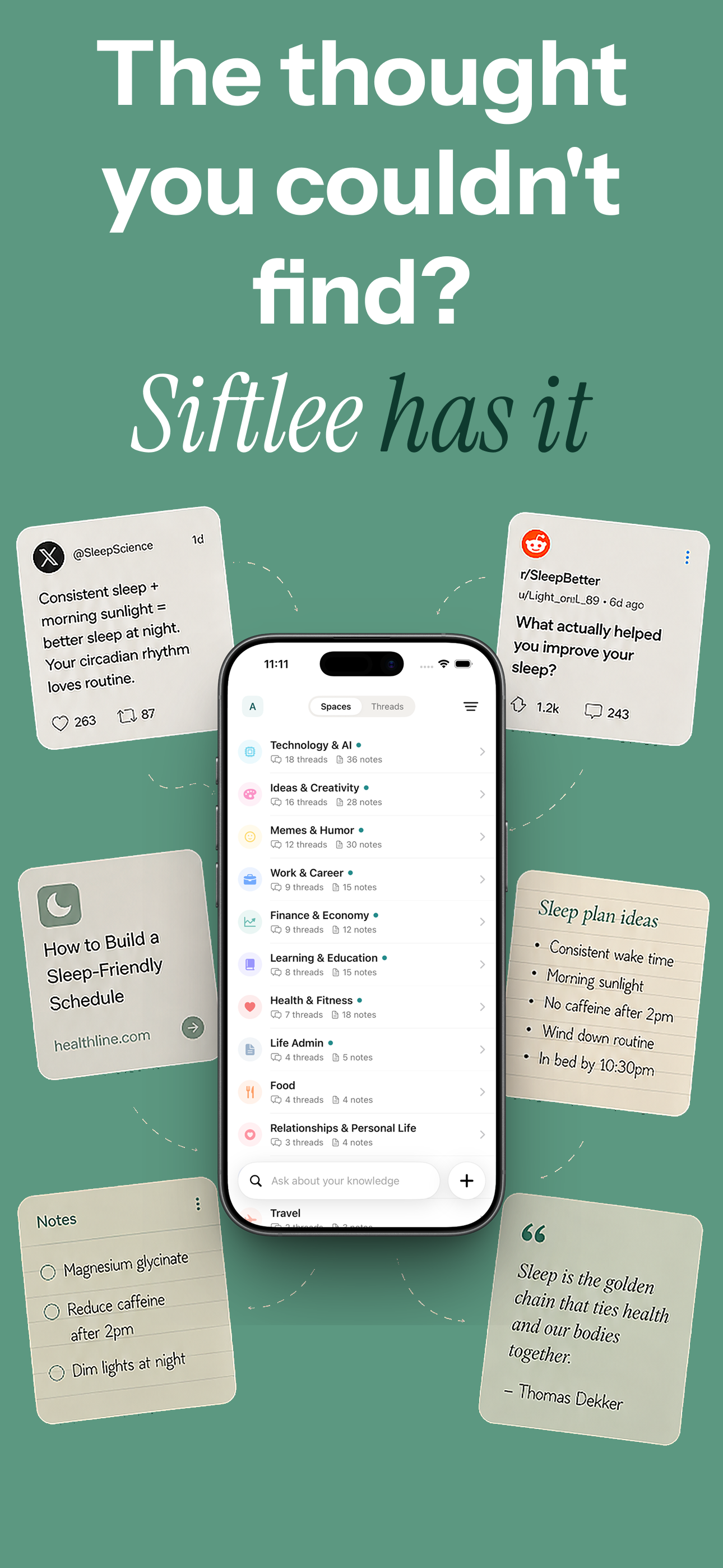
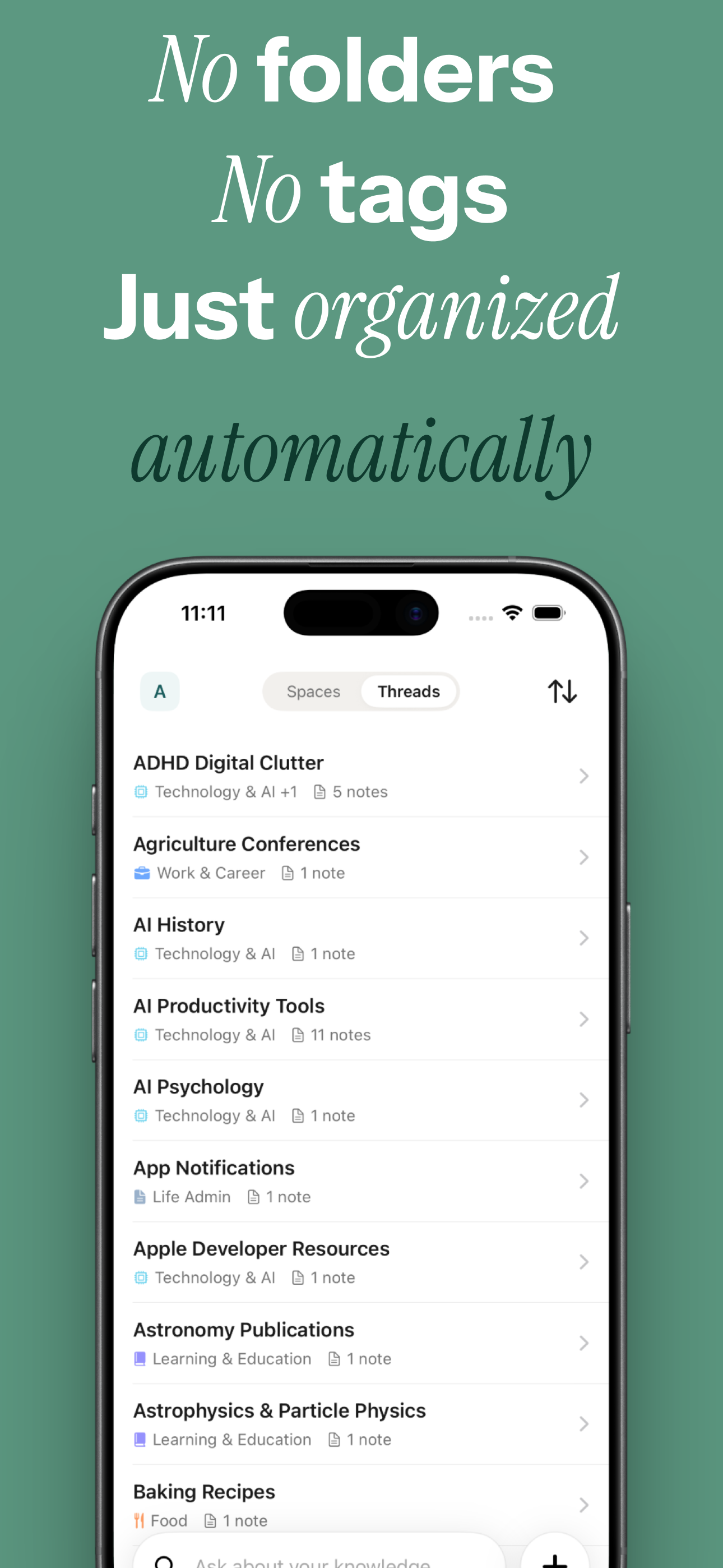
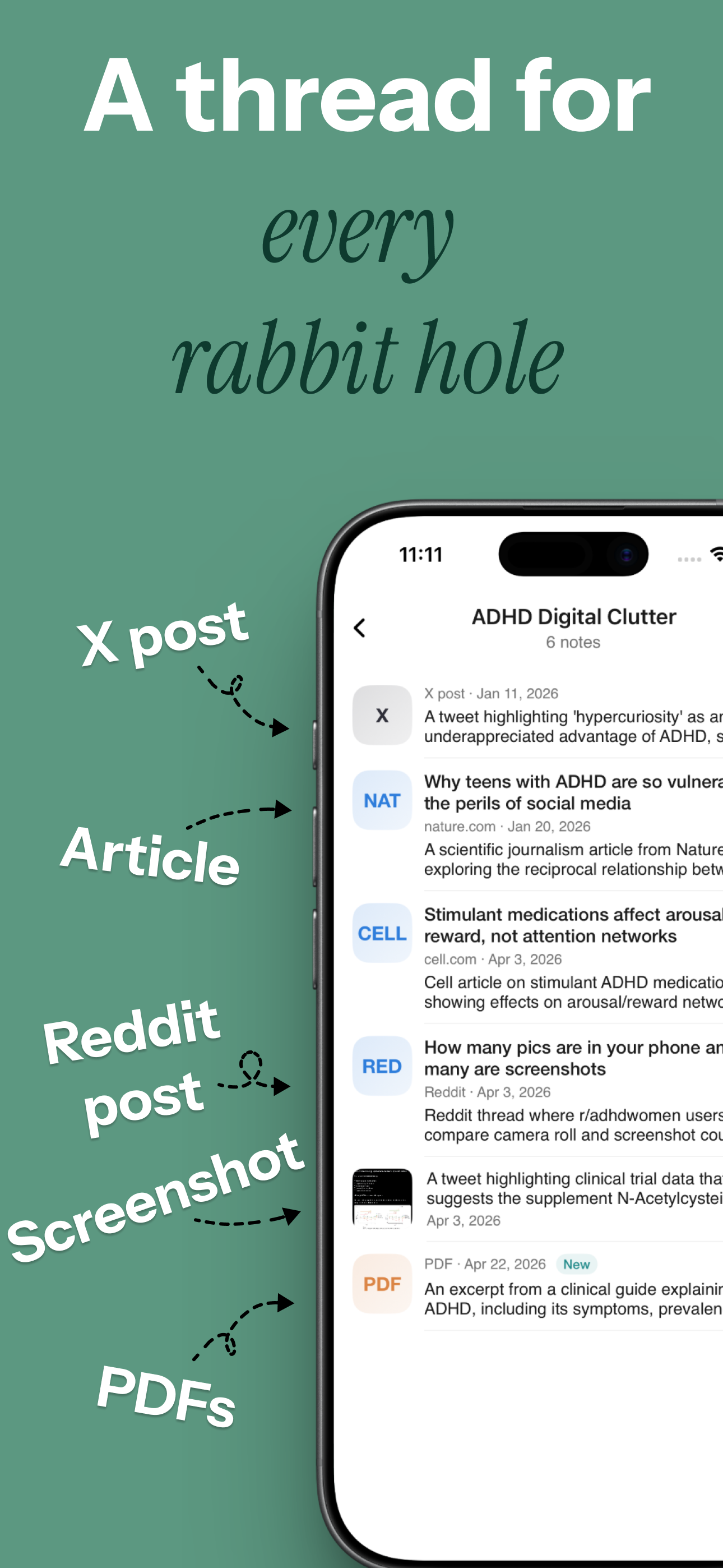
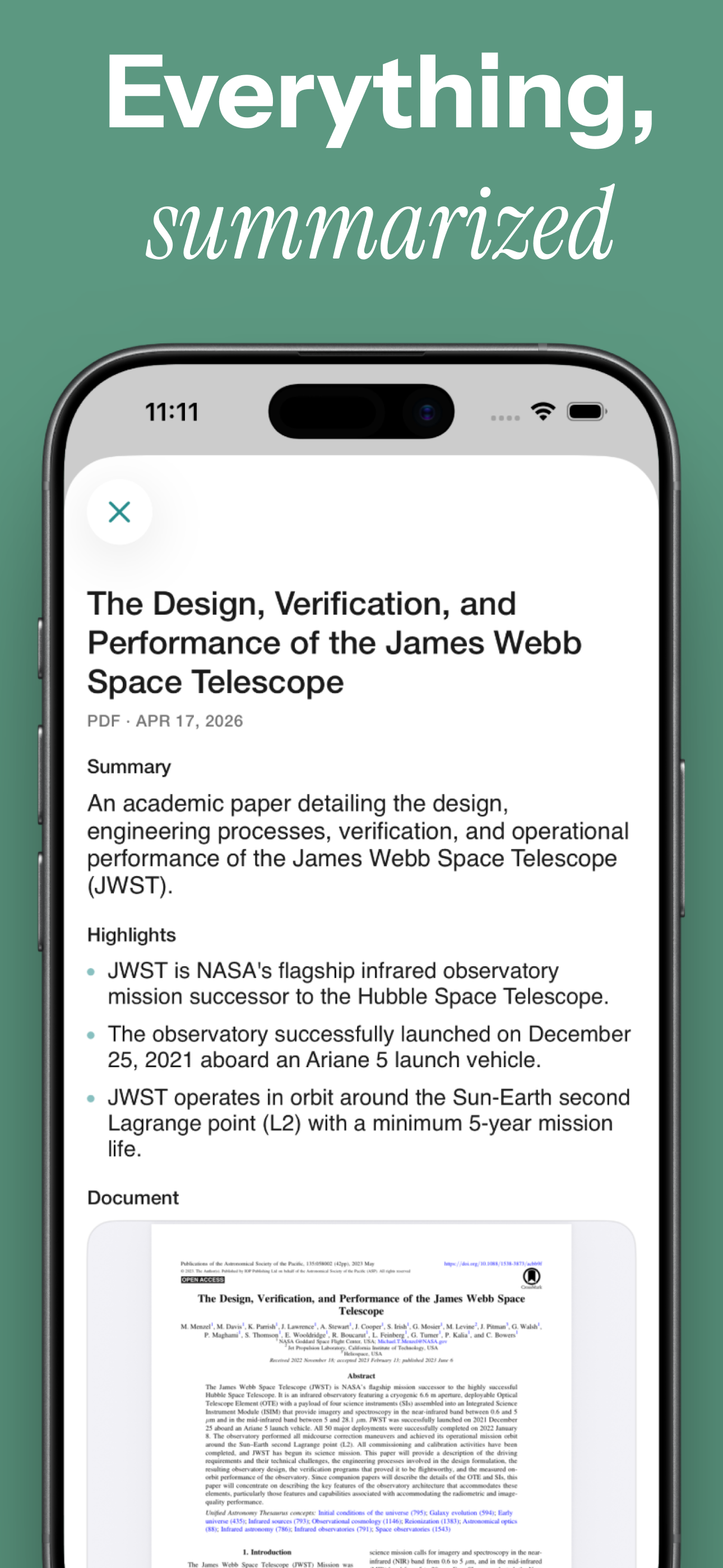
Save links, X posts, Reddit threads, screenshots, PDFs, and voice notes in a few taps. Siftlee organizes them into Topics and Threads automatically, so you can search or ask for them whenever you need them. No need to ever make folders for notes again.

AUTO-ORGANIZED FOR YOU
NO FOLDERS TO MANAGE
SEARCH HOWEVER YOU REMEMBER IT
FIND IT BY IDEA, PHRASE, OR DETAIL
The Problem
You saved it because it mattered. Now it could be in Photos, Safari, Notes, Files, an X post, a Reddit thread, or one of twenty open tabs. Later you remember a phrase, a picture, or just the feeling that it was important.
The Solution
Siftlee is built for exactly that moment.
Put It All in One Place
Save links, X posts, Reddit threads, screenshots, voice notes, and PDFs the moment you come across them.
Find It from What You Remember
You do not need the exact title. Search by the phrase, image, or small detail you still remember.
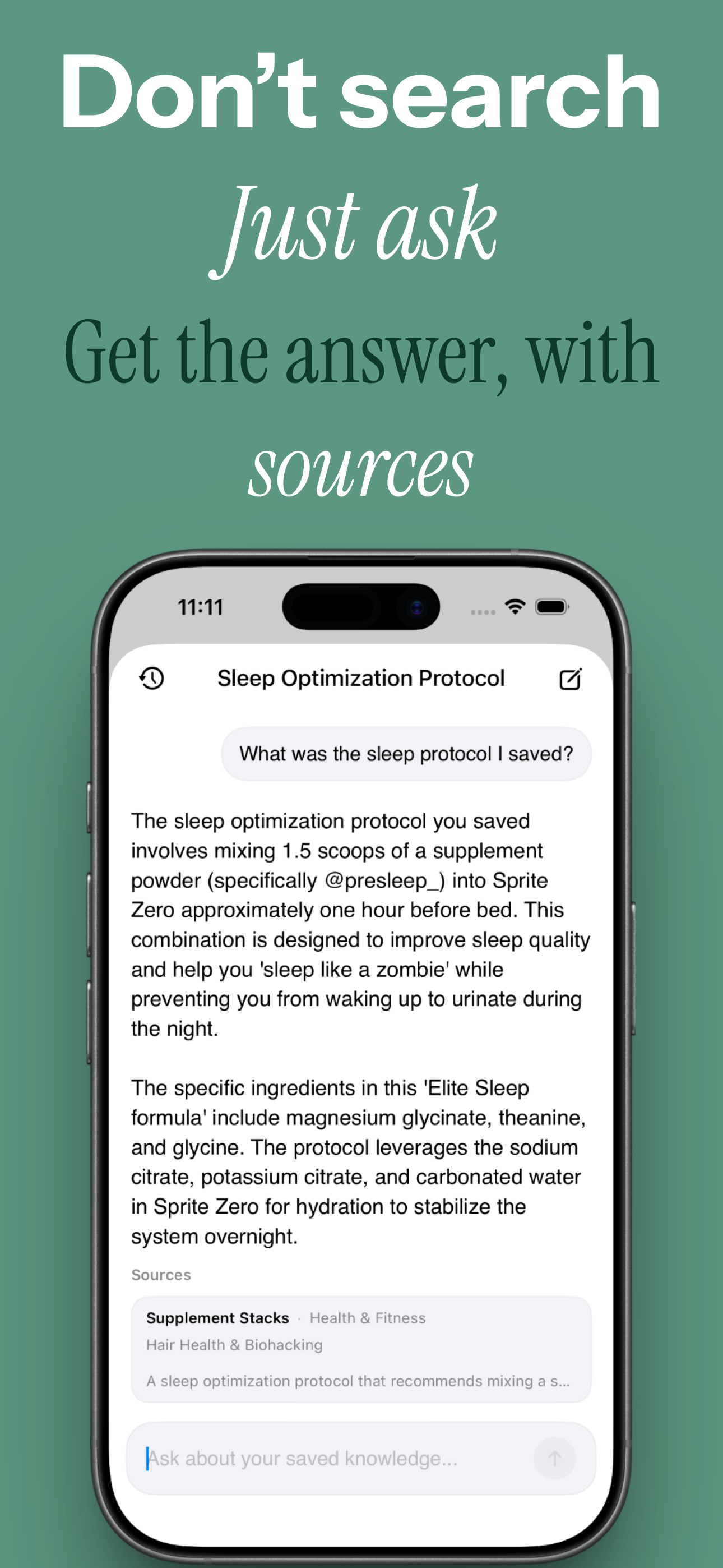
Ask What You Saved
Ask about your saved library and get direct answers based on your own links, posts, notes, screenshots, and files.